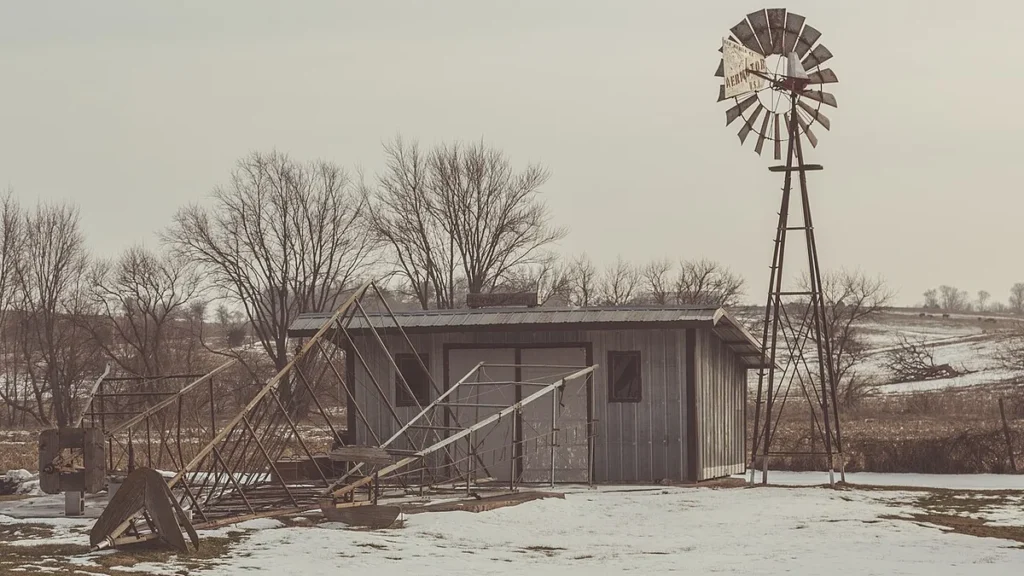
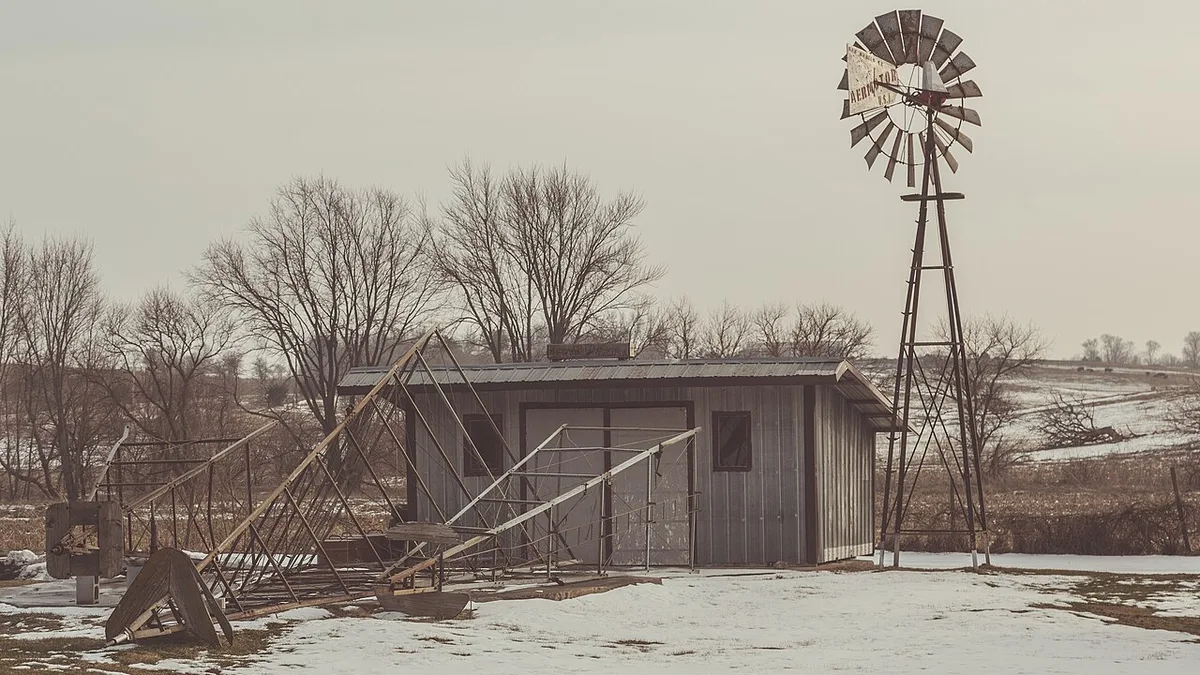
The best AI tools for windmill installation startups in 2026 turn a tall steel tower, a spinning rotor and a well pump into a business a new founder can run from the cab of a pickup. A farm windmill is one of the oldest machines still earning its keep on working land: no fuel, no power bill, just wind lifting water out of the ground day after day. But installing one is heavy, precise work. The tower has to stand plumb on a footing that holds through a storm, the rotor has to face the prevailing wind, and the pump cylinder has to sit at the right depth in the well. Get any of those wrong and the customer ends up with a leaning tower, a pump that sucks air, or a rotor that never turns.
That is why the first year of a windmill installation startup is won or lost on planning, not on muscle. Most founders already know how to bolt a tower together. What sinks a new firm is the work around the install: measuring the wind before promising anything, pricing the tower, rotor, pump and footing as one honest package, booking the job for a calm-weather window, and invoicing before the money runs out. A missed call while you are thirty feet up is a customer ringing the next installer on the list.
Artificial intelligence does not climb a tower or pour a footing. What it does is take the measuring, quoting, scheduling and paperwork around each install and handle it quickly and cheaply, so a founder with no staff can spend the working day on installs instead of admin. This guide compares the AI tools that fit a windmill installation startup, not a large renewable-energy contractor and not a general home services company. Every tool below is judged on what a new founder actually needs: a low starting cost, no long contract, useful from the first week, and workable from a phone beside a farm gate. You will find a comparison table, a startup checklist, and answers to the questions new windmill founders ask most often, all focused on the work this trade really involves: wind assessment, tower erection, pump sizing, well depth, guy wires, anchoring and safe raising. The same founder-friendly approach that powers AI tools for irrigation startups works here too, because both trades sell water to people who work the land.
Key takeaways
- Start with three tools only: AI wind assessment and site measurement, AI quoting for tower, rotor and pump packages, and AI scheduling that respects calm-weather windows. Everything else can wait until the diary is full.
- Measure the wind before you quote. Tower height, rotor size and pump choice all depend on the wind at that exact site, and guessing any of them eats the margin or leaves a customer with a windmill that barely turns.
- The footing is the sale and the risk. A tower that leans in the first storm costs far more than the job was worth, so the tool that checks the structure and the ground wins the job.
- Book installs for calm weather. A tower raise in gusty wind is dangerous, so the tool that forecasts wind by the hour protects your crew and your schedule.
- Keep the stack small and the customer record single. One record per farm, with every quote, measurement, photo and service reminder on it, will serve a startup far better than six overlapping apps.
Best AI tools for windmill installation startups at a glance
The table below gives a quick view of where each tool helps most in a new windmill installation business. The sections that follow explain how to use each one on a real job, what to look for before you pay, and where small teams usually go wrong.
| Tool | Main job for a windmill startup | Standout AI feature | Starting price |
|---|---|---|---|
| Windographer | Wind assessment and site selection | Wind speed and direction analysis from local data | Free trial; paid plans per user |
| SkyCiv | Tower and footing structural checks | AI-assisted load and wind-load calculations | Free plan; paid plans from about $19 per month |
| DroneDeploy | Aerial site survey and tower inspection | Drone maps and 3D models of the site and tower | Free trial; paid plans per user |
| FieldPulse | Job management and dispatch | AI scheduling, estimates and customer records in one place | From $69 per month |
| Grundfos GO | Pump sizing for well depth and lift | Guided pump selection from well data | Free app; pumps priced per job |
| Autodesk Forma | Site layout and tower placement planning | AI site analysis for wind, sun and access | Free trial; paid plans per user |
| Acuity Scheduling | Booking site surveys and install dates | AI scheduling that fills gaps and sends reminders | Free trial; paid plans from $16 per month |
| Windy | Wind forecasting for install windows | Hourly wind speed and gust forecasts by location | Free tier; paid plans from about $19 per year |
| Xero | Invoicing, payments and cash flow | AI invoice reminders and bank reconciliation | Free trial; paid plans from $15 per month |
The 9 best AI tools for windmill installation startups
Each tool below earns its place for a different part of the job. Read them in order if you are starting from scratch, or jump to the one that solves the problem eating your week right now.
1. Windographer: the best wind assessment for siting a windmill
Windographer is the tool that stops a founder from promising a customer a windmill that will never pump. It takes wind data for a site, from nearby weather stations, public wind atlases and any logger you have placed on the property, and turns it into a clear picture of how much wind the site actually gets, from which direction, and in which months. A farm in a valley can look windy on a blustery afternoon and still be a poor site, because the wind is blocked by a ridge for half the year. Windographer shows that before you quote, not after the tower is up.
On a real job, use it at the survey stage. Take the address, pull the nearest wind records, and run the analysis before you talk numbers with the customer. The output tells you whether a standard rotor will do the work or whether the site needs a taller tower to clear the trees and buildings around it. That one answer shapes the whole quote: tower height, rotor size, pump depth and price.
Windographer costs more than a general app and takes an afternoon to learn, but one avoided bad install pays for a year of it. Start with the free trial, run it on your first five surveys, and keep it if the numbers change your quotes.
2. SkyCiv: the best structural check for towers and footings
SkyCiv is the structural engineering tool that keeps a tower standing through the first big storm. A windmill tower is a tall, narrow steel frame with a spinning rotor at the top, and the wind load on that rotor is far larger than most people expect. Add guy wires, a concrete footing and soil that may be sand, clay or rock, and the calculation is beyond what a founder should do on the back of an envelope. SkyCiv runs the wind-load and footing calculations in a browser, with AI assistance that flags the weak points in a design before anyone climbs.
Use it when you are pricing a job, not after the concrete is poured. Enter the tower height, rotor diameter, local wind speed and soil type, and check the footing size and guy-wire layout it recommends. If the numbers say the standard footing is too small for an exposed hilltop site, you quote the bigger footing and explain why. Customers respect that honesty, and it protects you from the call nobody wants: a tower leaning after a storm, with your name on the install.
The free plan covers simple checks, and the paid plans start low enough for a solo founder. A structural tool is only as good as the numbers you enter, so measure the site properly and never copy a footing from the last job without checking the ground first.
3. DroneDeploy: the best aerial survey and tower inspection
DroneDeploy turns a small drone into a survey crew. Fly the farm once and you get an aerial map, a 3D model of the ground, and a clear view of the trees, buildings, power lines and slopes around the proposed tower site. That matters because a windmill needs clear wind, and a row of tall trees twenty metres upwind can steal half the rotor’s power. From the ground, those trees look harmless. From the air, the problem is obvious.
The same drone earns its keep after the install. Fly the tower once a year and compare the photos with the install-day record: a bent blade, a loose guy wire or a cracked footing shows up long before it becomes a failure. Customers love the before-and-after report, because it proves the work was done properly and gives them a reason to book the annual service. Unlike rain barrel installation startups, which measure a roof from the air, you are measuring open ground and a tall structure, so fly higher and stay well clear of the rotor while it turns.
Check the local rules before flying over a customer’s land, as you may need a basic licence or permit. The free trial is long enough to test on real jobs. If a drone feels like too much in year one, hire a local pilot for the first few surveys and buy your own once the diary is full.
4. FieldPulse: the best all-round job system for a growing windmill firm
FieldPulse is the single system that holds a windmill startup together once the jobs start stacking up. It keeps the customer record, the quote, the schedule, the crew dispatch and the invoice in one place, so nothing falls between apps. When a farmer rings to ask when the tower goes up, you can answer from the phone in your pocket instead of digging through notebooks and text messages.
On a windmill job, the dispatch side matters most. A tower raise needs the crew, the winch, the concrete truck and a calm-weather window to line up on the same day. FieldPulse lets you see the whole week at a glance, move a job when the forecast turns, and message the customer automatically. The AI scheduling suggests the best order for the day’s jobs and flags clashes before they happen.
It starts at around $69 a month, which pays for itself the first time it stops a double-booked crew. Start with one user and keep the customer record clean from day one. A job system only works if every job goes through it, so resist the temptation to keep side lists in a notebook.
5. Grundfos GO: the best pump sizing for well depth and lift
Grundfos GO is the free app that takes the guesswork out of the pump. A windmill pump is not one-size-fits-all: the cylinder has to match the well depth, the lift height and the amount of water the customer needs each day. Too small a pump and the tank never fills. Too large and the rotor stalls in light wind, because the pump demands more power than the blades can deliver. Grundfos GO walks you through the well data step by step and recommends a pump size that fits the windmill, the well and the demand.
Use it on site with the customer standing beside you. Measure the static water level, the total well depth and the height from the wellhead to the storage tank, then enter the numbers and show the customer the result. That five-minute exercise sizes the pump correctly and shows the customer the quote is based on measurements, not a guess. When a rival quotes a cheaper pump without measuring the well, your measured answer is why the customer picks you.
The app is free, which makes it the easiest tool on this list to adopt. It sizes pumps from one manufacturer, so if the job needs a different brand, use the same well measurements with that brand’s sizing guide. Measure the well, size the pump to the well and the wind, and never let a pump choice be made by habit.
6. Autodesk Forma: the best site layout and tower placement planning
Autodesk Forma is the planning tool for the question every windmill founder hears first: where exactly should the tower go? It builds a digital model of the site from maps and terrain data, then analyses wind exposure, sun, access for the delivery truck and the distance to the well and the storage tank. Move the tower twenty metres in the model and you can see at once whether the wind improves, whether the truck can still reach the footing, and whether the pipe run gets longer and more expensive.
That kind of planning matters on a farm, where the best wind is often on the highest ground and the well is often somewhere else entirely. A tower placed for wind alone can leave the crew carrying pipe across a field and the customer paying for a longer run. Forma shows the trade-off before anyone digs, so the final position is a decision, not a compromise discovered on install day.
Forma is built for architects and planners, so it has more features than a windmill startup needs, and the price reflects that. Use the free trial on a few real sites and judge it on whether the site plans win you jobs. If the price is too high in year one, a careful walk of the site with a compass, a tape and the drone map will cover most of the same ground.
7. Acuity Scheduling: the best booking for site surveys and install dates
Acuity Scheduling is the booking tool that stops the phone tag. A farmer who wants a windmill survey is often out in a field, not sitting by a phone, and a founder who is up a tower cannot answer anyway. Acuity lets the customer pick a survey slot from your real availability, answers the common questions on the booking page, and sends reminders so the customer is actually home when you arrive.
Set it up with two booking types: a free site survey and a paid install date. The survey booking asks for the farm address, the well depth if known, and what the water is needed for, so you arrive already knowing whether the job is a stock tank, a house supply or irrigation for a paddock. The install booking only opens once the quote is accepted, which stops the diary filling with jobs that were never confirmed. The AI scheduling fills gaps between jobs and nudges customers who started a booking and never finished it.
Plans start at around $16 a month, and the free trial is long enough to test on real customers. Link it from your website and social media so every enquiry lands in the same diary. If a booking is not in Acuity, it is not booked, and that one habit ends double-bookings and wasted drives to empty farms.
8. Windy: the best wind forecasting for install windows
Windy is the forecasting app that decides which days a tower goes up. Raising a windmill tower is a calm-weather job: a gust halfway through the lift can swing the tower, strain the winch and put the crew at risk. Windy shows hourly wind speed, gusts and direction for the exact farm location, several days ahead, with a clear visual map that is easy to read from a phone on site.
Use it twice for every install. First, when you book the date, check the forecast and pick the calmest day in the window. Then check again the evening before, because a forecast can change and a crew that drives two hours to a farm in rising wind has wasted a day. When you explain that the install moved because gusts were forecast at forty kilometres an hour, the customer hears safety, not delay.
The free tier covers the forecasts a startup needs, and the paid plan costs very little for the year. Keep it on the phone you take to site and check it before every tower raise. Wind is the whole point of the machine you install, and it is also the weather that decides when you can safely build it.
9. Xero: the best invoicing and cash flow for a windmill startup
Xero is the accounting tool that makes sure the work gets paid for. Windmill jobs are lumpy: a big materials bill goes out before the install, the labour is spread over several days, and the final payment sometimes waits until the pump is proven and the tank is filling. Without a proper invoicing habit, a founder can finish three jobs and still be short of cash because the invoices went out late or the deposits were never chased.
Set it up so every accepted quote becomes an invoice with a deposit due before materials are ordered. Xero sends the invoice, reminds the customer automatically when it is overdue, and reconciles the bank feed so you can see at a glance which jobs are paid and which are not. The AI categorises expenses as they come in, so the cost of tower steel, pump parts, fuel and concrete is tracked per job, and you learn which jobs actually made money and which only looked profitable.
Plans start at around $15 a month after the free trial, which is cheap insurance against cash-flow trouble. Connect it to your job system if you can, so a quote flows into an invoice without retyping. Invoice on the day the job finishes, chase politely and automatically, and never start the next tower until the last one is paid for.
How to choose AI tools when money is tight
A new windmill startup cannot buy all nine tools on day one, and it should not try. Start with the three that protect the job itself: Windographer for the wind, SkyCiv for the structure, and Windy for the weather window. Add FieldPulse next, the moment the diary holds more jobs than you can remember, because a missed job costs more than a month of software.
Judge every other tool by one question: does it pay for itself on the next three jobs? A free app like Grundfos GO always passes, and a booking tool passes the first time it stops a wasted drive. A planning tool only passes if the site plans help you win work, so test it on real quotes before you pay. Avoid annual contracts in year one; month-to-month billing is worth a small premium.
Finally, keep the human in charge of the decisions that matter. AI can analyse wind data, calculate a footing and forecast a gust, but it cannot stand on a farm and judge whether the soil will hold a footing or whether the customer needs a bigger tank. Use the tools to speed up the measurements and the paperwork, then make the call yourself. That judgement is what the customer is paying for.
Building your starter stack for a windmill startup
A sensible starter stack has three layers and costs very little. First, measurement: Windographer for wind, Grundfos GO for the pump, and a drone with DroneDeploy for the site map. Second, the business: FieldPulse for jobs, Acuity for bookings, and Xero for invoices. Third, safety and structure: SkyCiv for the footing check and Windy for the install window. Autodesk Forma joins later, when site plans start winning work.
Keep all of it on one phone and one laptop, with the same customer record everywhere. When a farmer rings, you should be able to see the quote, the wind analysis, the survey photos and the invoice history in under a minute. Many of your first customers run working farms and already lean on AI tools for ranchers to track their herds and pastures, so a tidy digital record is something they recognise and trust. A founder who turns up with measured data looks like a professional, and professionals get the referral to the next farm down the road.
Common mistakes windmill installation startups make with AI tools
The first mistake is quoting from the office without measuring the wind. A founder who prices a standard tower for every farm will eventually install one in a sheltered hollow where the rotor barely turns, and the customer will tell every neighbour. Windographer exists precisely to stop that, so use it on every survey, even the ones that look obvious. Wind is invisible, and the eye is a poor judge of it.
The second mistake is buying software before winning work. A new firm does not need a planning suite, a drone fleet and a marketing platform in month one. It needs three customers and three towers that stand straight. The third mistake is the opposite: keeping everything in your head once the jobs pile up. A founder who misses a service visit or forgets an invoice because the system was a memory loses more than a job system costs.
The fourth mistake is trusting a forecast once and never checking again. Check Windy the night before every lift, and be willing to move the date. The fifth mistake is forgetting the service visit. A windmill needs an annual check of blades, bearings, guy wires, pump leather and the tank. The firm that books the service a year ahead, with an automatic reminder, turns one install into a decade of repeat visits.
Windmill installation startup checklist
- Run a wind assessment on every site before quoting, and keep the report with the customer record.
- Check the tower and footing structure for the site’s wind load and soil type, and quote the footing the ground needs.
- Measure the well depth, water level and lift height on site, and size the pump to the well and the wind.
- Book the tower raise for a calm-weather window, and re-check the wind forecast the night before.
- Photograph every stage of the install, file the photos against the job, and send the customer a before-and-after report.
- Invoice on the day the job finishes, chase overdue payments automatically, and book the annual service visit before you leave.
Frequently asked questions
How much should a windmill installation startup spend on AI tools each month?
Budget around $100 to $150 a month in the first year, once the free trials run out. That covers a job system, a booking tool and an accounting app, with the free pump-sizing and forecasting apps on top. If the monthly bill is higher than the profit on one average job, the stack is too big. Cut it back to the three tools that protect the install itself and add the rest as the work grows.
What is the best first AI tool to buy for a windmill startup?
Buy wind assessment first, because it shapes every quote you write. A founder who knows the wind at a site can price the tower height and rotor size with confidence, and can walk away from a site that will never pump properly. The second purchase is a job system, because it stops the missed calls and double-bookings that cost real money. The free tools for pump sizing and wind forecasting cover the gaps in the meantime.
Can AI really measure wind accurately enough to quote from?
Yes, for the decisions a startup needs to make. Wind analysis tools combine nearby weather station records, public wind atlases and terrain data to estimate the wind at a site, and that estimate is accurate enough to choose a tower height and rotor size. It is not a substitute for a wind logger left on the property for a month when the job is large or the site is sheltered. Use the software to quote, and a logger to confirm the big or doubtful jobs.
Which windmill size should a startup sell first?
Sell the size the site and the water demand ask for, not the size that is easiest to stock. Most farm water jobs suit a rotor of around two to three metres on a tower of ten to fifteen metres, which lifts enough water for stock tanks and a house supply in ordinary wind. Measure the wind, measure the well, ask how much water the customer needs each day, and let those three numbers choose the size.
Do I need a drone to run a windmill installation startup?
No, but a drone makes the survey faster and the record better. In year one you can survey a site on foot with a compass, a tape and a camera, and many good installers still work that way. A drone earns its place when you have enough surveys to justify it, because it maps the whole farm in one flight and photographs the tower from angles a ladder never reaches.
Will AI replace windmill installers?
No. AI can analyse wind, calculate a footing and forecast a gust, but it cannot climb a tower, pour concrete, tension a guy wire or judge whether a pump is seated properly at the bottom of a well. What it replaces is the paperwork around the install. The founder who uses those tools well spends more of the day doing the skilled work only a person can do, and that is the part customers pay for.
The bottom line
A windmill installation startup succeeds on three things: a site with real wind, a tower that stands straight, and a founder who answers the phone and finishes the paperwork. The AI tools in this guide protect all three. Start with wind assessment, structural checks and weather forecasting, add a job system when the diary fills, and keep the customer record single and clean from day one. Measure every site, size every pump to its well, raise every tower in calm weather, and invoice on the day the job finishes. Do that on your first ten installs and the eleventh customer will already have heard of you.

Keep what speaks to you.
Leave room for your own perspective.