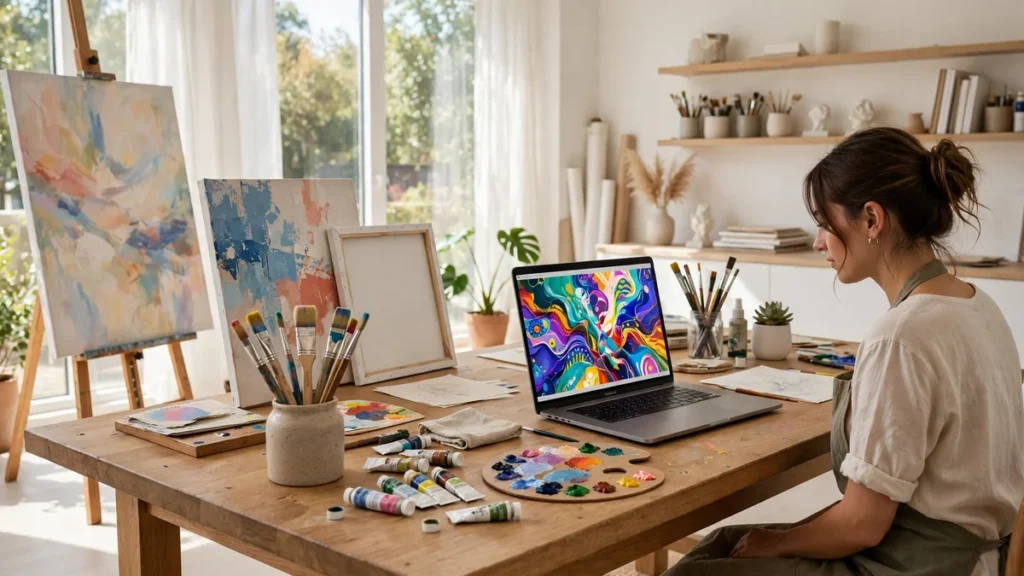
The best AI tools for art studios in 2026 do far more than generate a pretty picture on a screen. They help a working studio plan classes, prepare exhibition work, quote commissions, organise reference material, market finished pieces, and keep the business side of creativity running smoothly. A small studio can now do work that once needed a larger team, while a larger studio can move faster without losing the hand-made quality that makes its work worth buying. The tools in this guide were chosen because they fit real studio life, not because they look impressive in a demonstration.
Choosing well matters because every tool changes how a studio spends its time. A generator that produces endless variations is useful only if the results can be printed, framed, licensed, and sold without legal worry. A planning tool is useful only if teachers and assistants can actually learn it in an afternoon. The best AI tools for art studios therefore balance creative quality with practical details such as image resolution, commercial use rights, file formats, cost, and how easily the output fits into a studio workflow that already includes paint, canvas, paper, cameras, and printers.
This guide compares the leading options side by side, explains what each one does best, and shows how studios use them for classes, exhibits, commissions, and sales. You will find a comparison table, a short checklist for choosing, honest notes on pricing and limits, and answers to the questions studio owners ask most often. Whether you run a painting studio, a mixed-media space, a print shop, or a teaching studio, the aim is the same: use AI to support the art, protect the artist, and turn creativity into steady income.
Key takeaways
- Match the tool to the job: image generators for ideas and studies, editing tools for finishing work, and planning tools for classes, exhibits, and sales.
- Check commercial use rights and image resolution before using any AI image in a print, a product, or a paid commission.
- Keep the artist in charge: use AI for drafts, variations, and preparation, and finish the work with human judgement, skill, and taste.
- Budget for subscriptions and printing together, because a cheap generator can become expensive once large prints and licences are added.
- Teach students and clients openly about AI use, so classes stay honest and buyers know exactly what they are purchasing.
Why AI Tools Matter for Art Studios Now
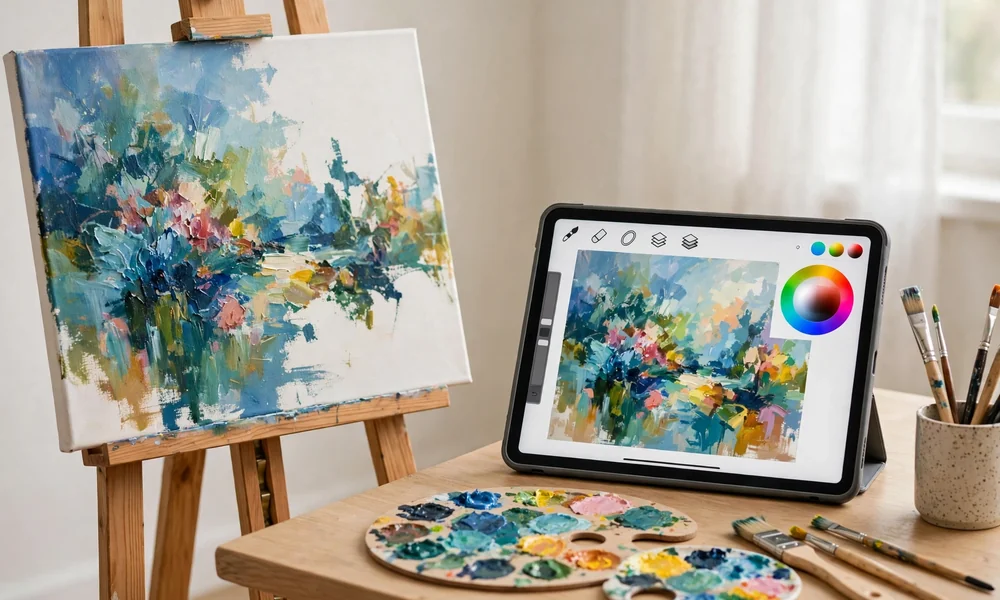
Art studios have always mixed new technology with old craft. Photography, photocopiers, projectors, and digital printers all changed how artists worked, and each one was first greeted with suspicion before becoming an ordinary studio tool. Artificial intelligence is following the same path. It does not replace drawing, painting, or sculpture, but it changes the preparation around them: finding references, testing compositions, trying colour palettes, writing class descriptions, and preparing marketing images all take less time than they used to.
For a teaching studio, the benefit is clear. A teacher can show ten variations of a composition in minutes, help a student see why one arrangement works better than another, and prepare handouts that match the lesson. Students can experiment without wasting expensive paint or paper, and they can learn to judge results critically instead of accepting the first image a machine produces. The studio becomes a place where technology supports learning rather than doing the learning for the student.
For a selling studio, AI helps with the work that happens after the painting is finished. Exhibition labels, artist statements, social media posts, price lists, and email newsletters all need words as well as images. AI writing and image tools can draft these materials quickly, leaving the artist free to check, correct, and personalise them. That matters for small studios where the artist is also the manager, the marketer, and the person who answers the phone.
Best AI Tools for Art Studios at a Glance
| Tool | Best for | Studio use | Pricing model |
|---|---|---|---|
| Midjourney | Rich, painterly image ideas | Studies, mood boards, and exhibition concepts | Monthly subscription |
| Adobe Firefly | Safe commercial images | Marketing, class materials, and client work | Subscription or credits |
| DALL-E in ChatGPT | Fast ideas and variations | Briefs, drafts, and teaching examples | Subscription or credits |
| Stable Diffusion | Full control and local use | Custom styles and private projects | Free software, paid hosting |
| Leonardo AI | Art styles and game-ready images | Illustration and concept work | Free tier plus subscription |
| Ideogram | Images with readable text | Posters, signs, and invitations | Free tier plus subscription |
| Adobe Photoshop AI | Editing and finishing | Retouching, expanding, and print preparation | Subscription |
| Topaz Photo AI | Sharpening and enlarging | Preparing photos for large prints | One-time purchase |
| Canva Magic Studio | Simple design and marketing | Flyers, posts, and class handouts | Free tier plus subscription |
| Runway | Video and motion | Exhibition films and social clips | Subscription or credits |
| Krea AI | Live visual exploration | Real-time style and pattern tests | Free tier plus subscription |
| NightCafe | Easy creative play | Beginner classes and community events | Free credits plus subscription |
How to Choose the Right AI Tool for Your Studio
Start with the work, not the tool. A studio that teaches beginners needs simple, forgiving software with clear results. A studio that sells large prints needs high resolution and clean files. A studio that takes commissions needs reliable commercial rights and a clear record of how each image was made. Write down the three jobs you most want help with, then choose the tool that does those three jobs well, even if it is weaker at everything else.
Studio Checklist: Before You Subscribe
- Test the tool on a real studio job, such as a class handout or a poster, before paying for a year.
- Print a test image at exhibition size and check sharpness, colour, and texture in person.
- Read the commercial use terms for your exact plan, and save a copy for your records.
- Check that the tool exports files your printer and your other software can open.
- Confirm that teachers, assistants, and students can learn the basics in one short session.
- Add up the full monthly cost, including subscriptions, credits, printing, and framing, before deciding.
The 12 Best AI Tools for Art Studios in 2026
The tools below are grouped by what they do best, from generating ideas to finishing prints and promoting exhibitions. No single tool does everything, and most studios end up using two or three together: one for ideas, one for editing, and one for design or marketing. Read the strengths and limits of each, then pick the combination that matches your studio, your students, and your buyers.
1. Midjourney: Rich, Painterly Image Ideas
Midjourney is the tool many artists reach for first when they want beautiful, painterly images with strong colour and atmosphere. It is especially good at mood, light, and texture, which makes it useful for studies, mood boards, and early exhibition concepts. A studio can test a dozen directions for a series in an afternoon, then take the strongest ideas back to canvas, paper, or clay. The results feel artistic rather than photographic, which suits studios that work in paint, pastel, and mixed media.
The trade-off is control. Midjourney works through written prompts and variation controls, so getting an exact composition takes practice and patience. It is also a subscription service, and commercial use depends on the plan, so studios should check the current terms before selling work based on its output. Used as a sketchbook rather than a finished-product machine, it is one of the most inspiring tools a studio can own, and it pairs well with the detailed three-dimensional work covered in our guide to the best AI tools for 3D artists, which many mixed-media studios now use alongside painting.
2. Adobe Firefly: Safe Commercial Images
Adobe Firefly stands out because it is trained on licensed stock imagery and openly available content, which gives studios more confidence about commercial use. For a studio that produces marketing images, class materials, client presentations, and product mock-ups, that safety matters. Firefly also connects with the Adobe tools many studios already use, so a generated image can move straight into Photoshop or Illustrator for finishing without awkward file conversions.
3. DALL-E in ChatGPT: Fast Ideas and Variations
DALL-E, used inside ChatGPT, is the fastest way for most studios to turn a written idea into a picture. A teacher can type a brief, get an image, ask for a variation, and show the class the difference within minutes. That speed makes it ideal for lesson planning, brainstorming, and answering the common student question of what an idea might look like before committing paint to canvas. It also helps with writing, since the same tool can draft class descriptions, exhibition text, and social media captions.
4. Stable Diffusion: Full Control and Local Use
Stable Diffusion is the choice for studios that want full control. It is open software that can run on a studio computer, which means work stays private, custom styles can be trained, and there is no monthly fee for the software itself. A studio with technical confidence can build a library of its own styles, generate images offline, and keep client work completely in-house. That privacy is valuable for commissions and for studios working on unreleased exhibition material.
5. Leonardo AI: Art Styles and Illustration
Leonardo AI is built with artists and illustrators in mind, offering a wide range of art styles, fine control over composition, and tools for turning rough ideas into polished images. It works well for illustration, character work, concept art, and decorative pieces, and its canvas-style controls feel more familiar to artists than a simple text box. Studios that produce illustrated books, prints, or patterns will find its style library especially useful.
6. Ideogram: Images With Readable Text
Most image generators struggle with text, producing posters with misspelled words and strange lettering. Ideogram is the exception, and it is the tool to reach for when a studio needs exhibition posters, invitations, signs, and labels that actually read correctly. A teacher can draft a poster for an open studio evening, check the wording, and print it the same day, without the embarrassment of a typo baked into the artwork.
7. Adobe Photoshop AI: Editing and Finishing
Adobe Photoshop with its AI features, including generative fill and generative expand, is the finishing tool most professional studios rely on. It can remove a distraction from a photograph of a painting, extend a canvas edge for a different frame size, clean up a scanned drawing, or adjust colour and light with precision. These are the small jobs that make the difference between a good image and a sellable one, and they are exactly where AI editing earns its place in a studio.
8. Topaz Photo AI: Sharpening and Enlarging for Print
Topaz Photo AI solves a specific studio problem: turning a good photograph into a large, sharp print. It sharpens soft images, reduces noise, and enlarges files for exhibition-size printing, which is exactly what a studio needs when a client wants a photograph or a scan of a painting at a larger size than the original file supports. The results are often noticeably better than simple enlarging, especially for older photographs and scanned work.
Unlike most tools in this guide, Topaz is sold as a one-time purchase rather than a subscription, which many studios prefer for budgeting. It works as a standalone tool and as a plug-in, so it fits into an existing workflow without much disruption. It will not create art on its own, and it should not be used to invent detail that was never there, but for preparing honest, high-quality prints it is one of the best value tools a studio can buy. Similar care with visual quality matters in every creative field, as shown in our guide to the best AI tools for graphic designers, where clean, print-ready files are just as important as the original idea.
9. Canva Magic Studio: Simple Design and Marketing
Canva Magic Studio is the simplest tool in this guide, and for many studios that is its greatest strength. It helps staff and students create flyers, social media posts, class handouts, price lists, and simple posters without design training. The AI features can draft text, suggest layouts, remove backgrounds, and resize a design for different platforms, which saves hours of fiddly work around every class and exhibition.
10. Runway: Video and Motion for Exhibitions
Runway brings AI into video, which matters more each year as studios use film for exhibitions, social media, and online teaching. It can generate short clips, animate a still image, remove backgrounds from video, and help edit footage, giving a studio a way to show work in motion without a film crew. A short film of a painting being made, or a gentle animation of a still image for an exhibition screen, can draw visitors in a way that a static poster cannot.
11. Krea AI: Live Visual Exploration
Krea AI offers live, real-time image generation, where changes to a prompt or a sketch appear almost immediately. That speed changes how a studio explores ideas: instead of generating one image, waiting, and then trying another, an artist can play with colour, pattern, and composition in real time, almost like sketching. It is particularly useful for pattern design, textile work, and decorative art, where small changes make a large difference.
12. NightCafe: Easy Creative Play for Classes
NightCafe is the friendliest tool in this guide, and it is the best starting point for beginner classes and community events. It offers simple controls, a range of styles, and a community where students can see what others have made. A teacher can run a short session in which every student creates an image, discusses the result, and learns how prompts and styles change the outcome, all without technical setup or a large budget.
NightCafe is not the tool for high-end commercial print work, and its free credits run out quickly in a busy class. Its value is educational: it lowers the barrier to trying AI, encourages discussion, and helps students build judgement about what makes an image work. Studios that run community classes, school visits, or open days should keep NightCafe in mind, because it turns a technology demonstration into a creative activity that everyone can join. Photography-led studios will find a similar balance of ease and quality in our guide to the best AI tools for photographers, which covers tools for capturing and finishing studio photography.
AI Tools for Classes, Exhibits, Commissions, and Sales
Classes are where AI tools prove their teaching value. A teacher can prepare a lesson with generated examples that show different styles, compositions, and colour schemes, then ask students to respond with their own hand-made work. The AI examples are starting points for discussion, not models to copy, and the lesson works best when students are asked to explain what they like, what they would change, and why. That discussion builds the critical eye that separates a good artist from someone who simply follows a machine.
Exhibitions benefit from AI in quieter ways. Invitations, posters, labels, catalogues, and social media posts all need to be prepared on a deadline, and AI tools can draft them quickly. A studio can also use AI to plan the hang, testing different arrangements of work on a wall before lifting a single frame. The exhibition itself should remain a human experience, with real work, real artists, and real conversations, but the preparation behind it can be faster and less stressful with the right tools.
Commissions need care, honesty, and clear communication. When a client asks for a portrait, a mural, or a series of illustrations, the studio should be open about whether AI was used in preparation, and the final work should be finished by hand or by the artist’s own skill. AI can help with early sketches, colour tests, and mock-ups that show the client what is possible, which reduces misunderstandings and revisions. A client who sees three clear directions early is far more likely to be happy with the finished piece than one who sees only a single finished work.
Sales depend on presentation. Good photographs, clear descriptions, honest pricing, and consistent marketing all help work sell, and AI tools support each of them. A studio can photograph work properly, clean the images, write clear descriptions, and share them across a website, a newsletter, and social media. The aim is not to trick buyers but to present the work at its best, so that someone who loves a painting online will love it even more when they see it in person.
Pricing, Budgeting, and Getting Value
Most AI tools use subscriptions, credits, or a mix of both, and the true cost depends on how much a studio actually generates. A subscription with unlimited or generous generations suits a busy teaching studio, while a credit system suits a studio that only needs images for occasional exhibitions. Free tiers are useful for testing, but they usually limit resolution, commercial use, or the number of generations, so a studio should not plan a paid project around a free plan without reading the terms.
A practical budget starts with one image generator, one editing tool, and one design tool, then adds more only when a clear need appears. That keeps monthly costs predictable and avoids the common problem of paying for five tools while only using two. Studios should also budget for the costs around AI, including printing, framing, paper, and ink, because a digital image only becomes income when it is printed, framed, exhibited, or licensed. Review subscriptions every few months, cancel what is unused, and keep a simple record of what each tool earned or saved.
A Simple Studio Workflow That Works
A good workflow keeps AI in its place: at the start for ideas, in the middle for preparation, and at the end for finishing and marketing, with the artist in charge throughout. Begin with a brief, written in plain language, that describes the subject, the mood, the colours, and the size of the finished work. Generate a small set of studies, choose the strongest two or three, and use them as references for hand-made work rather than as finished pieces.
Next, prepare the work for its purpose. For a class, turn the chosen study into a handout with clear steps and questions for students. For an exhibition, prepare the image, the label, and the price list together, so nothing is rushed at the last minute. For a commission, share a mock-up with the client and agree the direction before starting the final piece. Each of these steps is faster with AI, but each one still needs a human to check the result, correct mistakes, and make the final decision.
Finally, finish and share the work properly. Photograph or scan the finished piece in good light, clean the image, check the colour against the original, and save a high-resolution file for printing. Write a clear description, set a fair price, and share the work through the studio’s website, newsletter, and social media. Keep the original files, the AI studies, and a note about which tools were used, so the studio has a complete record of how each piece was made and sold.
Common Mistakes Art Studios Should Avoid
The most common mistake is letting AI do too much. A studio that sells purely generated images without adding human skill, judgement, or finishing will struggle to stand out, because anyone can generate a similar image. Buyers pay for the artist’s eye, hand, and story, not for a prompt. Use AI to support the work, and make sure the finished piece still carries the marks of a human maker.
The second mistake is ignoring rights and resolution. An image used commercially without the right licence, or printed at a size its resolution cannot support, creates problems that are expensive to fix. Check the terms, test the print, and keep records, even when a project feels small. A small print sold at a market stall deserves the same care as a large exhibition piece, because the buyer deserves to know what they are buying.
The third mistake is buying too many tools at once. A studio with five subscriptions and no clear workflow will waste money and time, while a studio with two well-chosen tools and a simple routine will produce better work. Start small, learn one tool properly, and add another only when the first one cannot do a job the studio genuinely needs. The goal is a calmer, more productive studio, not a larger collection of logins.
Frequently Asked Questions
Can art studios sell AI-generated images?
Yes, in many cases, but the answer depends on the tool, the plan, and the local law. Paid plans usually allow commercial use, while free plans often do not, and some tools have clearer ownership terms than others. Studios should read the terms for their exact plan, keep a record of the tool and licence, and be honest with buyers about how a work was made. Work that is finished, edited, and presented by a human artist is generally easier to sell, and to stand behind, than a raw generated image.
Will AI replace artists and art teachers?
No. AI can generate images, but it cannot teach a student to see, to draw from life, to mix colour by eye, or to develop a personal style over years of practice. Teachers who use AI well become more valuable, not less, because they help students judge, refine, and understand images instead of simply accepting them. Studios that combine AI preparation with human teaching and hand-made work offer something a machine alone cannot: a real creative education and a real human connection.
What resolution do I need for exhibition prints?
It depends on the print size and viewing distance, but as a guide, a small print needs a clean high-resolution file, and a large exhibition print needs a much larger one. Many generators produce images that work well at modest sizes but need upscaling for large prints, and upscaling cannot invent detail that was never there. Test the full process, from generation to print, at the size you plan to sell, and check the result in person before offering the print to buyers.
Which AI tool is best for beginners in a class?
NightCafe and Canva Magic Studio are the easiest starting points for beginners, because they are simple, visual, and forgiving. DALL-E in ChatGPT is also easy for a teacher to demonstrate, since the whole class can follow a written brief turning into an image. The best choice depends on the age of the students and the aim of the lesson, but the principle is the same: start simple, discuss the results, and let students move on to hand-made work once the idea is clear.
Do I need to tell buyers when AI was used?
Honesty is the safest and most respectful approach. Buyers, galleries, and competition organisers increasingly ask how work was made, and a studio that answers openly builds trust. A short note explaining that AI was used for studies or preparation, with the final work finished by the artist, is enough in most cases. If a competition, gallery, or client has specific rules about AI, follow those rules exactly and keep a record of what was done.
How much should a small studio spend on AI tools each month?
There is no single figure, because it depends on how much the studio generates, teaches, and sells. Many small studios start with one generator and one design tool, which keeps costs modest, and add an editing tool when print sales grow. The right test is value: if a tool saves time, improves class materials, or helps sell work, it is earning its cost. If it sits unused for a month, cancel it and try a different tool that fits the studio better.
The Bottom Line
The best AI tools for art studios in 2026 are the ones that help artists do more of the work only they can do. Midjourney sparks ideas, Adobe Firefly and DALL-E provide safe and fast images for everyday use, Stable Diffusion and Leonardo offer control and style, Ideogram handles the words, Photoshop and Topaz finish work for print, Canva keeps marketing organised, Runway adds motion, and Krea and NightCafe keep exploration and teaching playful. No studio needs all twelve at once, and the wisest choice is a small set that matches the studio’s classes, exhibitions, commissions, and sales.
Start with one generator and one finishing tool, test them on real work, check the licence and the print quality, and teach students and clients openly about how the tools are used. Keep the artist in charge, finish the work by hand and by eye, and let AI handle the preparation, the drafts, and the routine tasks that once ate into studio time. Done that way, AI becomes what every good studio tool should be: a quiet helper that leaves more time, more energy, and more income for the art itself.

Keep what speaks to you.
Leave room for your own perspective.