
Key Takeaways
-
Instant access to free live channels without registration
-
Security and privacy concerns associated with unverified streaming platforms
-
Common causes behind thetvapp not working and quick fixes
-
Fully licensed, safe, and free streaming alternatives
Are you tired of paying massive monthly bills just to watch your favorite sports teams or evening news? You are definitely not alone! Many cord-cutters look for quick ways to stream live television online without breaking the bank.
That is usually how people stumble upon thetvapp, a web platform offering direct access to cable networks and live games. But is it safe to use, and how does it actually perform when you hit play?
Here at Facezem, we love helping you navigate the wild world of online streaming safely and smartly. Let us break down everything you need to know about thetvapp in plain, friendly terms.
AI Overview
TheTVApp is a free, web-based streaming platform that lets users watch live cable channels, sports networks, and news streams without creating an account or signing in. While it offers easy access to live broadcasts on various devices, the site lacks proper licensing, which raises important safety, privacy, and legal questions for everyday viewers looking for a reliable cable replacement.
What Is TheTVApp and How Does It Work?
At its core, thetvapp is a website designed to aggregate live television feeds from dozens of popular networks. It gives you a simple interface where you pick a channel and start watching right inside your web browser.
Unlike traditional platforms like Hulu + Live TV or YouTube TV, there is no lengthy signup form or subscription contract. You simply visit the site, click on a network, and the stream loads up.
Key Takeaway: Based on available data, the platform operates primarily as an unverified streaming link aggregator rather than an official, licensed broadcaster.
Core Features in Our TheTVApp Review
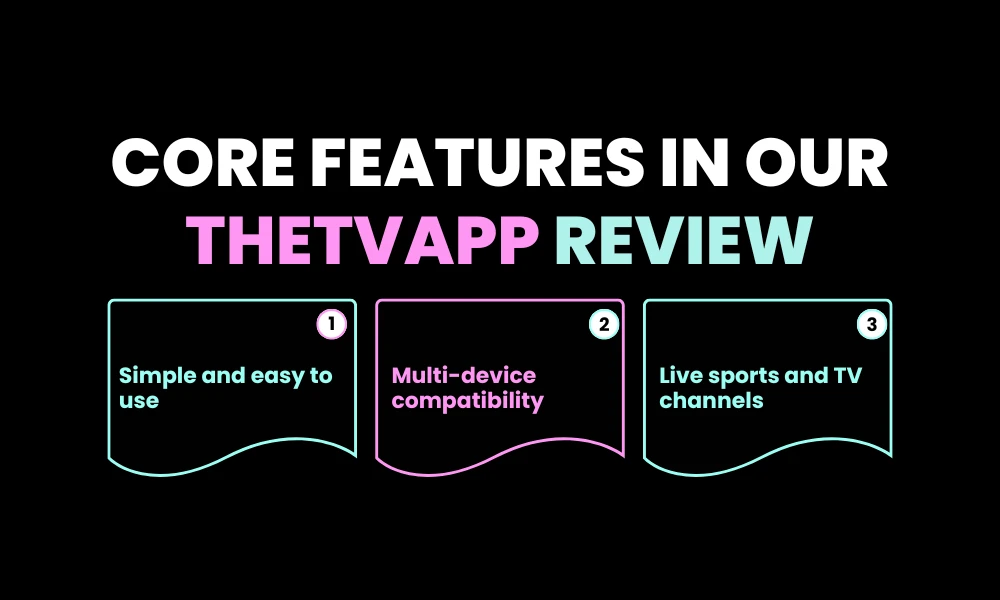
When writing this thetvapp review, we looked closely at what makes this site so appealing to everyday viewers. It clearly focuses on simplicity above everything else.
Here is a quick breakdown of what you will find when exploring the tv app:
Key Features Overview
-
No Account Required: You do not need to enter an email address or password to access the standard web links.
-
Live Sports Focus: Major sporting events, regional networks, and pay-per-view channels are highlighted prominently.
-
Clean Web Interface: The site avoids heavy clutter, making it very easy to navigate on mobile devices or TV browsers.
-
Cross-Device Compatibility: Works on phones, tablets, PCs, and through web browsers on Firestick or Android TV devices.
For anyone testing the tv app for the first time, the lack of paywalls feels like a massive relief. But as with most free online streaming options, there is a flip side to consider.
Is TheTVApp Safe? Understanding Login Safety and Privacy
Safety is usually the biggest concern for anyone visiting free streaming sites. Is your device at risk, and should you worry about entering login details?
In general, the basic free version of thetvapp does not ask for a login or credit card, which actually protects your personal credentials from being stolen. However, that does not mean the platform is 100% risk-free.
Potential Safety Risks
-
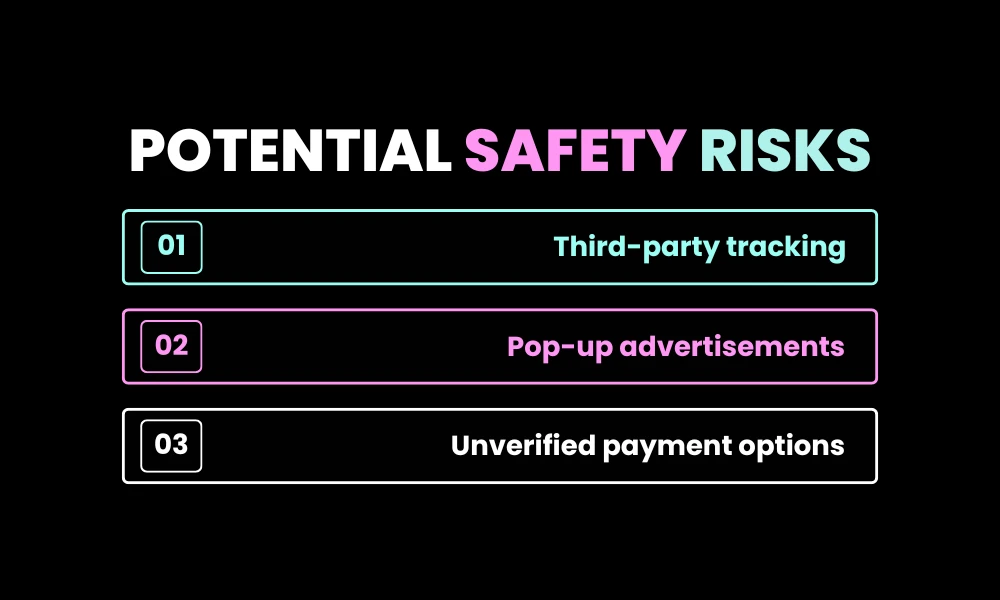
Third-Party Script Tracking: Free sites often rely on aggressive ad networks and tracking cookies to pay server bills.
-
Aggressive Pop-Ups: Clicking on a video stream can trigger unwanted browser redirects or shady ad pop-ups.
-
Paid Premium Tier Concerns: The site occasionally promotes a paid VIP tier via alternative payments like cryptocurrency. Sharing payment details with unverified platforms can put your funds at risk.
At Facezem, we always recommend protecting your privacy online. If you ever explore the tv app, using an updated web browser with active tracking protection is a smart baseline move.
Is TheTVApp Legal to Use?
This is where things get a bit tricky. The creators of thetvapp generally do not hold official distribution rights for the copyrighted content they stream.
In most regions, copyright laws target the operators hosting and distributing unauthorized streams. However, viewing unauthorized content still sits in a legal grey area.
| Aspect | TheTVApp Status | Official Licensed Platforms |
| Broadcasting Rights | Generally unlicensed | Fully licensed |
| User Registration | None required for free tier | Verified account required |
| Service Reliability | Streams can drop without notice | High uptime and HD reliability |
| Customer Support | No official help desk | 24/7 account support |
Troubleshooting: Why Is TheTVApp Not Working?
Have you ever settled down on the couch only to find thetvapp not working properly? It is a frustrating feeling, especially right before a big game or show starts!
Because the platform relies on third-party servers, stream outages happen frequently. Here are the most common reasons behind thetvapp not working and how to fix them quickly.
Common Issues and Quick Fixes
-
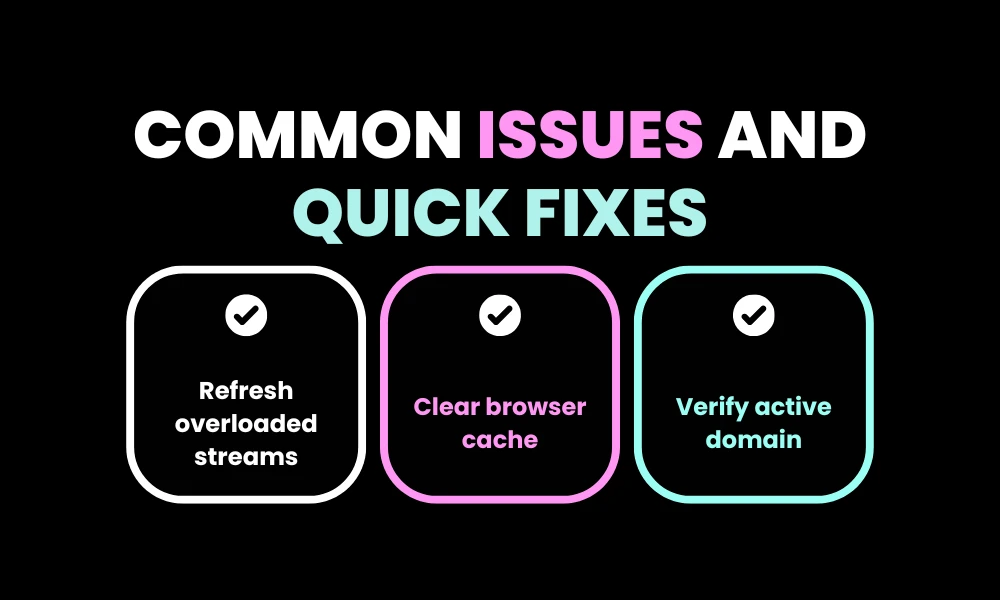
Server Overload: High-traffic sports games often crash free servers. Refreshing the page or switching to a backup mirror link often resolves the issue.
-
Aggressive Ad Blockers: Sometimes strict ad blockers break the video player script. Try temporarily disabling ad extensions or using a different browser.
-
Domain Name Changes: Unlicensed sites frequently change domain extensions to avoid takedowns. Double-check that you are using the correct, active domain URL.
-
Browser Cache Glitches: Stale cache files can cause infinite buffering loops. Clearing your browser cache usually gives the player a fresh start.
If you find that thetvapp not working becomes a daily headache, it might be time to look at more stable options.
Top Legal TheTVApp Alternatives
If you love free or affordable entertainment but want peace of mind, there are plenty of amazing thetvapp alternatives available today! You do not have to resort to risky websites just to cut the cord.
Here are the best thetvapp alternatives that offer 100% legal, high-quality streams without hidden catches:
1. Pluto TV
Pluto TV is one of the most popular legal free streaming platforms around. Owned by Paramount, it offers hundreds of live virtual channels covering news, classic TV shows, movies, and sports highlights.
2. Tubi TV
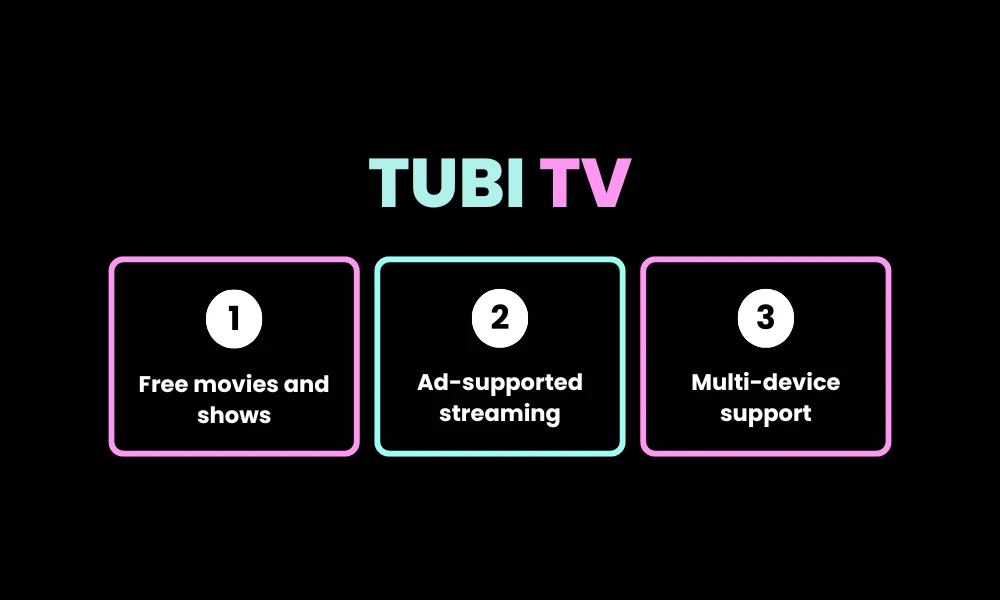
Tubi boasts a massive library of thousands of movies and TV episodes on demand. It is completely free, ad-supported, and works flawlessly across smart TVs, streaming sticks, and mobile phones.
3. The Roku Channel
You do not even need a Roku device to enjoy this option! The Roku Channel is accessible via web browsers and mobile apps, offering live news, movies, and original series for free.
4. Freevee (by Amazon)
Amazon’s Freevee gives you free access to premium movies, hit network shows, and exclusive original content with light ad breaks.
5. Sling Freestream
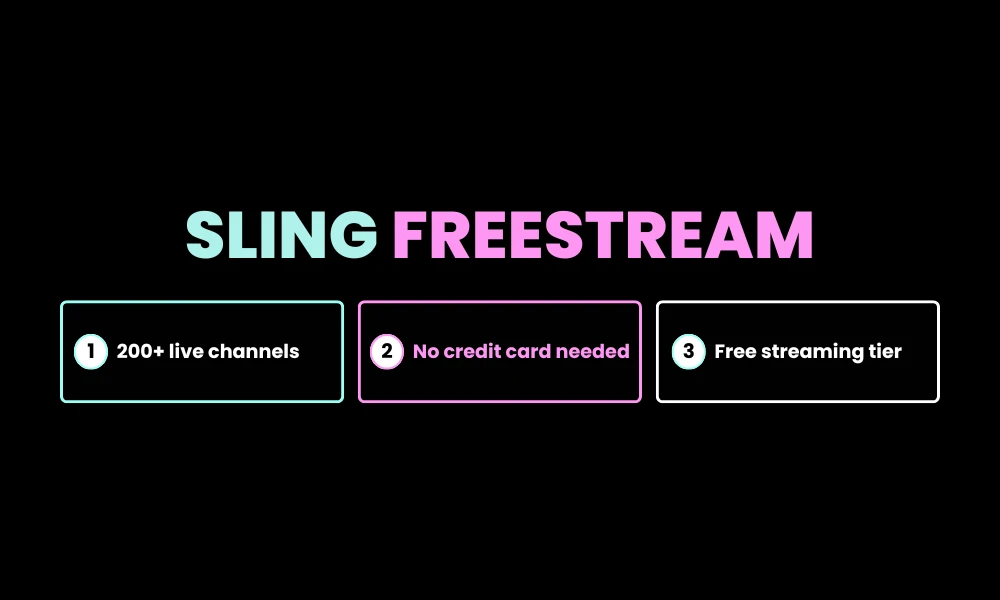
Sling TV offers a completely free tier called Sling Freestream. It gives you access to over 200 live channels and thousands of on-demand titles without requiring a credit card!
Comparing Free vs. Paid Streaming Options
When weighing thetvapp review findings against official services, it helps to see how free options compare directly with low-cost paid platforms.
| Feature / Category | TheTVApp | Free Legal Apps (Pluto/Tubi) | Paid Live TV (Sling/Hulu) |
| Cost | Free (Optional $15 tier) | 100% Free | $40 – $75+ per month |
| Video Quality | Standard / Variable HD | Consistent 1080p HD | 1080p / 4K Ultra HD |
| Safety Level | Moderate Risk | Completely Safe | Completely Safe |
| Live Local Channels | Yes (Unlicensed) | Limited News Feeds | Yes (Licensed) |
| Pop-Up Ads | Frequent | Standard TV Ad Breaks | Minimal / No Pop-Ups |
Choosing between these options really comes down to what matters most to you: total convenience, video stability, or budget savings.
How to Protect Your Privacy While Streaming
Whether you stick with official apps or browse independent websites, online privacy should always be a top priority. Here are three easy daily habits our team at Facezem recommends:
-
Keep Browsers Updated: Always keep your web browser up to date to ensure you have the latest security patches.
-
Avoid Entering Personal Data: Never enter personal information or credit card numbers on unverified streaming pop-ups.
-
Use Privacy Extensions: Consider installing privacy-focused browser extensions that block malicious tracking scripts.
Conclusion
Cutting the cord should make watching television easier, not more stressful! While thetvapp offers an appealing, no-signup shortcut to live channels, the frequent performance drops and privacy concerns mean it isn’t always the smoothest choice.
If you get tired of dealing with thetvapp not working when you want to relax, taking advantage of legal thetvapp alternatives like Pluto TV or Tubi gives you incredible entertainment with zero hassle. Stay safe, enjoy your favorite shows, and keep exploring smarter ways to stream with Facezem!
Frequently Asked Questions
Is thetvapp completely free to use online?
Yes, the basic live channel streaming links on the platform can be accessed for free without creating an account.
Why does thetvapp stop buffering or freeze during sports?
Heavy viewer traffic during live sporting events often overloads the platform’s free streaming servers, causing temporary buffering delays.
Do I need to create a login for thetvapp?
No, standard viewing does not require a user account or login credentials on the primary web site.
What are the safest legal thetvapp alternatives available today?
Pluto TV, Tubi, Freevee, Sling Freestream, and The Roku Channel are safe, fully licensed, and completely free streaming alternatives.