Every budgeting argument eventually comes down to the same choice: an app on your phone, or a spreadsheet on your computer. Both can work. The difference is rarely the tool itself. It is whether the tool fits the way you actually handle money, week after week, when life gets busy and motivation runs low.
A budgeting app does the heavy lifting for you. A spreadsheet gives you complete control. One saves time; the other saves money and keeps your data in your own hands. Here is an honest look at both, so you can pick the one you will still be using three months from now.
What Each Option Actually Does
Before comparing them, it helps to be clear about what each one is. They solve the same problem in very different ways.
Budgeting Apps
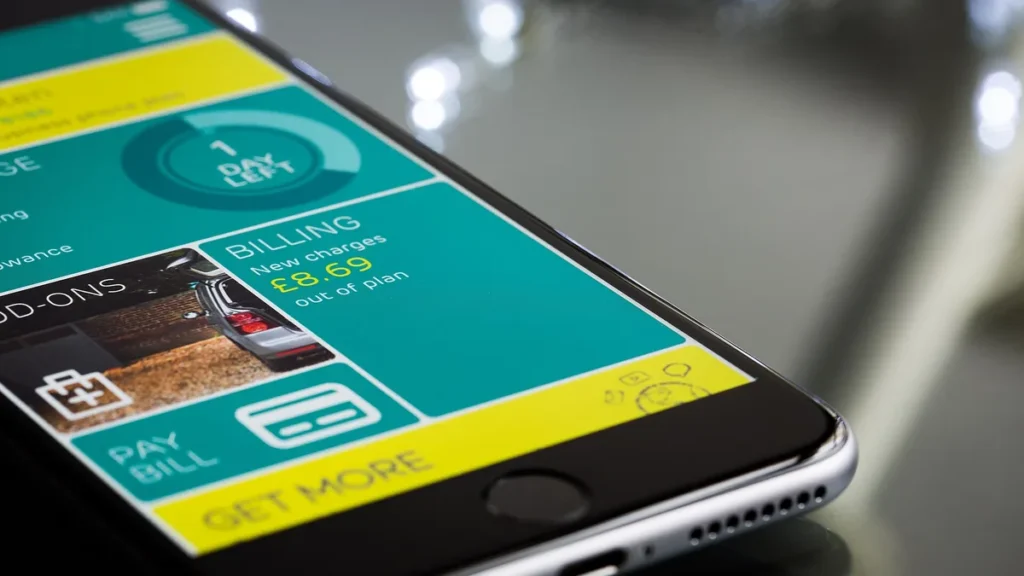
A budgeting app is software built for one job: tracking your money. Most apps connect to your bank accounts and pull in transactions automatically, sort them into categories such as groceries, transport, and bills, and show you how much is left in each category. Many send alerts when you are close to a limit, and some build simple reports that show where your money went over the month.
There are a few broad types. Bank-syncing apps do most of the work automatically. Manual-entry apps ask you to type in each purchase, which takes longer but keeps you closer to your spending. If you are new to this, our guide to budgeting apps for beginners explains how to pick your first one without getting overwhelmed.
Spreadsheets
A spreadsheet is a blank grid you shape yourself. You build columns for income, categories, planned spending, and actual spending, and you add formulas that total everything up. Some people start from a free template; others build their own from scratch so every column matches their life exactly.
Nothing is automatic unless you set it up: you type in your spending or sort a pasted bank statement yourself. That sounds like a drawback, and sometimes it is, but it is also why spreadsheets feel so solid to the people who love them. Every number in the sheet is one you put there yourself.
Where Budgeting Apps Win
Apps win on speed and convenience. Once an app is connected to your accounts, your spending appears without you doing anything. You can check your balance while standing in a shop, and you get a warning before you overspend rather than discovering it at the end of the month.
Apps are also good at showing patterns. A simple chart can reveal that takeaway food costs twice as much as you thought, or that a forgotten subscription has been quietly charging you for months.
Another strength is reminders. An app can nudge you when a bill is due or a category is nearly empty. A spreadsheet never taps you on the shoulder, so if you know you forget to check in, those nudges matter more than any feature list.
Where Spreadsheets Win
Spreadsheets win on control, cost, and privacy. A spreadsheet does exactly what you tell it to do, nothing more. If your money situation is unusual, such as irregular freelance income or shared household costs, you can shape the sheet around it instead of squeezing your life into someone else’s categories.
Cost is a real difference too. Most spreadsheet software is free or already on your computer. Many budgeting apps charge a monthly or yearly subscription, and the free versions often limit the features that matter most.
Privacy is the third win. A spreadsheet lives on your device or in your own cloud account. You never hand a company your bank login, and your transaction history is not stored on someone else’s servers.

The Honest Drawbacks of Each
Neither option is perfect, and the drawbacks are worth weighing before you commit.
Budgeting apps depend on the company behind them. Prices rise, features change, and an app you love can be shut down with a few months’ notice. Bank connections break more often than anyone admits, and when the sync fails, your budget quietly goes out of date. There is also the subscription trap: paying every month for a tool that is supposed to help you save money can feel backwards.
Spreadsheets depend entirely on you. If you stop entering spending for two weeks, the sheet stops telling the truth. Mistakes creep in too: a wrong formula can hide overspending for months. They also give you no reminders, so the habit of opening the sheet has to come from discipline alone. And if you want to check your budget while you are out, a spreadsheet on a home computer is not much help.
Which One Suits You?
The right choice depends on your habits more than your income. A few honest questions point the way.
If you are busy and want money handled with the least effort, an app is the safer bet. Automatic tracking means your budget stays current even in a hectic week, and alerts catch problems early.
If you enjoy detail and want to see every number, a spreadsheet will feel better. It suits people who like building systems, who have irregular income that needs careful planning, or who simply distrust handing bank access to a third party.
Beginners often do best starting simple. Pick the tool that feels easiest on day one, because the first month is when most budgets are abandoned. The method behind it matters just as much, so it helps to read how the main budgeting methods compared differ before you settle on a system.
The Hybrid That Works for Most People
Here is the part most comparisons skip: you do not have to choose one forever. Many people who stick with budgeting long term use both, each for what it does best.
A common setup is to let an app do the daily tracking, because automatic syncing is genuinely useful, and to keep a simple spreadsheet for the monthly plan. The app keeps you honest day to day; the spreadsheet gives you the big picture and a record you own outright.
This hybrid also protects you from lock-in. If the app raises its price or shuts down, your history still exists in your own file. And if you fall behind on the spreadsheet, the app has kept the data safe in the meantime.
How to Decide in One Week
If you are still torn, run a simple test. Use an app for one week and a spreadsheet for the next week. Track the same spending in both, and notice three things: which one you actually opened, which one took less time, and which one left you feeling more in control.
The winner is usually obvious by the end of the second week. It is the one you opened without forcing yourself, and the one whose numbers you trusted. That is the tool to keep. The habit of tracking every dollar you spend matters far more than whether the tracking happens in an app or a grid.
The Bottom Line
Budgeting apps are best when you want automation, reminders, and a budget you can check anywhere in seconds. Spreadsheets are best when you want full control, zero subscription cost, and your financial data kept in your own hands. Both fail in the same way: when you stop using them.
So choose the one that matches your life, not the one with the longest feature list. Give it a full month, check in weekly, and adjust the categories until they fit how you really spend. The best budgeting tool is not the smartest one. It is the one that is still open when the month gets hard.

Keep what speaks to you.
Leave room for your own perspective.


