A YouTube editor makes money by cutting the videos creators do not have time to cut themselves: the vlog, the tutorial, and the review, trimmed, captioned, and posted on schedule. The creator films, the editor edits, and the channel grows — and the editor gets paid $20 to $50 an hour for work that never needs a camera. It is the one corner of the creator economy where the skill is the product, and the product is always in demand.
This guide shows how to make money as a YouTube editor, step by step: learning the tools, building a portfolio, and turning the first videos into a steady income.
Step 1: Learn the tools creators actually use
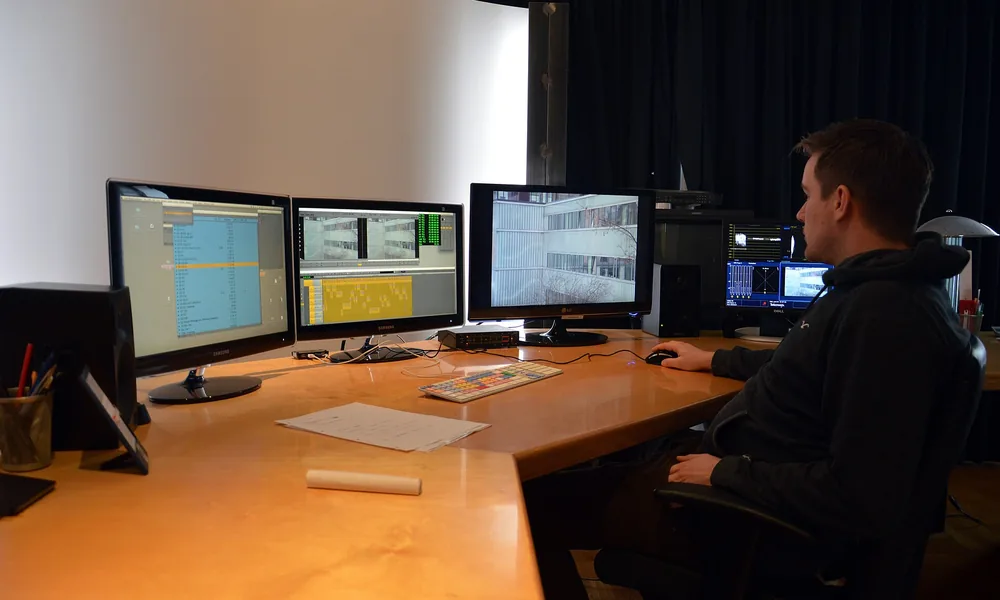
The first step is learning the tools creators actually use. DaVinci Resolve is free and does everything a YouTube video needs — cutting, captions, colour, and sound — and Premiere Pro is the tool the big channels pay for. Learn one, learn it well, and learn the shortcuts that make a ten-minute video take an hour instead of a day: the cut, the caption, and the export. The guide to making money as a video editor starts the same way: the tools you already own, a skill you already have, and a client who needs it today.
Step 2: Edit five example videos from free footage
The second step is editing five example videos from free footage. Download free clips from Pexels or Pixabay, cut them into a thirty-second trailer, a two-minute tutorial, and a five-minute vlog — each with captions, music, and a thumbnail that makes the viewer click. Five good examples are a portfolio, and a portfolio is what the creators ask for first. The best ways to make money with a camera work the same way — the work you make once, and the audience that keeps finding it.
Step 3: Pitch small creators every day
The third step is pitching small creators every day. Find the YouTubers with 10,000 to 100,000 subscribers — the ones who post weekly and edit their own videos late at night — and send them a short message: who you are, a link to your five examples, and an offer to edit one video for free. Small creators need an editor and cannot afford an agency, and the editor who offers one free video gets the first paid one. Send ten pitches a day, keep a list of who replied, and follow up once — the creators that say yes to the free video are the creators that pay for the second. The guide to making money as a course creator makes the same point about creative work: the first client is the hardest, and the second one comes from the first one’s recommendation.
Step 4: Price the work and deliver on time
The fourth step is pricing the work and delivering on time. A ten-minute video costs $50 to $150 to edit, a month of weekly videos costs $400 to $1,200, and an editor with five happy creators earns $2,000 to $4,000 a month — the price rises with the portfolio, not with the years. Agree the price in writing before you edit, agree how many revisions the creator gets, and deliver the video on the day you promised: the creators that pay on time are the creators that come back. Keep the project files, keep the receipts, and keep a simple spreadsheet of every creator, every price, and every date.
Step 5: Turn one creator into ten
The fifth step is turning one creator into ten, because the creators that pay once will pay again if the videos work. Ask every happy creator for a testimonial, ask them to recommend you to another creator, and put the best edits on a simple portfolio page that every new pitch links to. The editors who make real money from YouTube are the ones whose creators come back every week with new footage — and the creator that comes back is worth ten creators that buy once. A portfolio of twenty good edits and five happy creators is a business that earns $2,000 to $4,000 a month, from a laptop and a pair of headphones.
Three mistakes that kill an editing career
Editing like a film
YouTube is not cinema — the viewer decides in three seconds whether to stay. The slow, artistic, five-minute opening is the one they skip; the fast, captioned, three-second hook is the one they watch.
Over-editing every video
A video with a cut every second, a sound effect every minute, and a caption on every word is a video nobody finishes. The edit that serves the story is the edit that keeps the viewer — and the editor who cuts less keeps more viewers.
Working for free forever
One free video wins the first client; ten free videos win nothing. Charge from the second video, raise the price with every happy creator, and never let a creator that can pay talk you into working for exposure.
The bottom line
A YouTube editor makes money by cutting the videos creators do not have time to cut themselves — trimmed, captioned, and posted on schedule. Learn the tools, edit five examples from free footage, pitch small creators every day, price the work fairly, and turn one happy creator into ten. The first edit is the hardest, the first paid video is the turning point, and the first creator that comes back is the moment it becomes a business. Edit the first example today, and keep editing — the creators are looking for you right now.
Frequently asked questions
How much money can a YouTube editor make?
A ten-minute video costs $50 to $150 to edit, and an editor with five happy creators earns $2,000 to $4,000 a month from weekly videos. The top editors earn far more, but most working YouTube editors earn $1,000 to $3,000 a month from a laptop and a pair of headphones.
Do I need expensive software to edit YouTube videos?
No — DaVinci Resolve is free and does everything a YouTube video needs, and CapCut is free on a phone. Premiere Pro is the tool the big channels pay for, but the free tools are enough to start, and the creators buy the edit, not the software.
How long does it take to earn money from YouTube editing?
Most editors earn their first paid video in two to four weeks, and their first $1,000 a month in two to three months. The pitching is the slow part — ten pitches a day, every day, and the replies come in the second week.
What do I need to start?
A laptop that can run an editing program, a pair of headphones, and a free copy of DaVinci Resolve — that is all. Download free footage, edit five examples, and pitch the creators whose videos need cutting. The creators buy the edit, not the equipment.

Keep what speaks to you.
Leave room for your own perspective.